Fix Error 4294967295 on Microsoft 365

I encountered error 4294967295 when installing Microsoft 365 with winget. The installer downloaded successfully and its hash was verified, but the Microsoft Office Click-to-Run installer failed when the package installation started. This error is confusing because winget appears to work correctly until the final installer step. The package is found, the download completes, and the installer is verified. The failure comes from the Office installer or an existing Office installation rather than from the basic winget search operation. ...

August 11, 2026 · 7 min · PwshTips

Fix Failed Code 1618

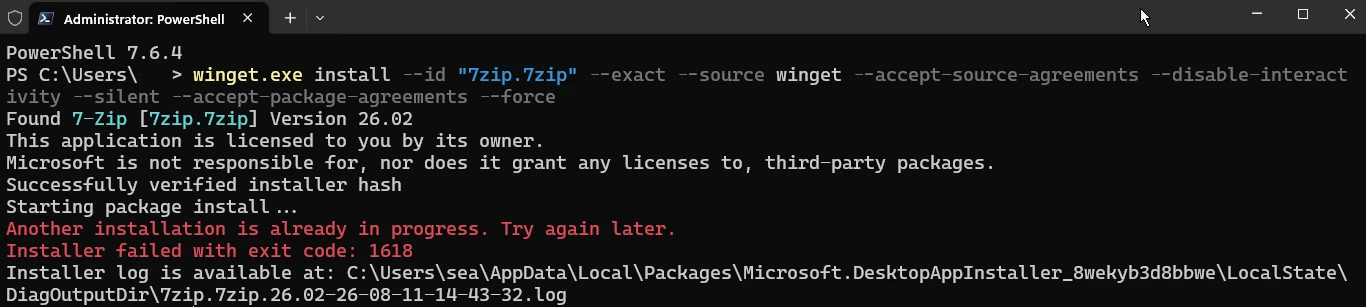
I received error 1618 when installing 7-Zip with winget. The package was found, the installer hash was verified, and the installation started, but Windows reported that another installation was already in progress. This error is normally related to Windows Installer, also known as MSI. Windows Installer allows only one MSI installation transaction at a time. If another operation is running, waiting for input, or stuck after an earlier failure, a second package installation returns error 1618. ...

August 11, 2026 · 7 min · PwshTips

Installing PowerShell Online and Offline

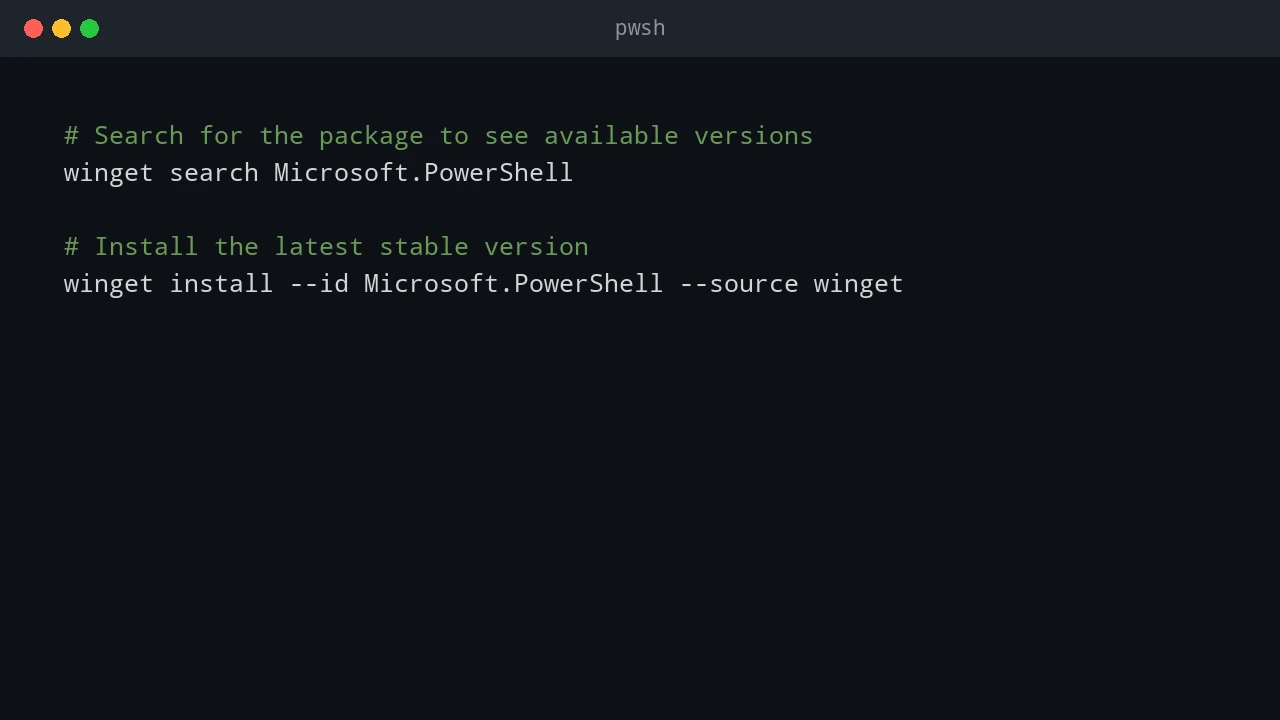
Installing PowerShell is easy on an internet-connected machine. It gets more interesting on servers, locked-down workstations, and networks that cannot reach package repositories. This post covers both cases: normal installs with package managers and offline installs where you need to move installers and modules by hand. Quick answer On connected Windows machines, install PowerShell 7 with winget install Microsoft.PowerShell and keep Windows PowerShell 5.1 for legacy modules. On offline machines, download the PowerShell installer, required modules, and trusted package sources on a connected computer, move them to the target system, then install from local files. Verify the install with $PSVersionTable.PSVersion. ...

December 25, 2025 · 7 min · PwshTips