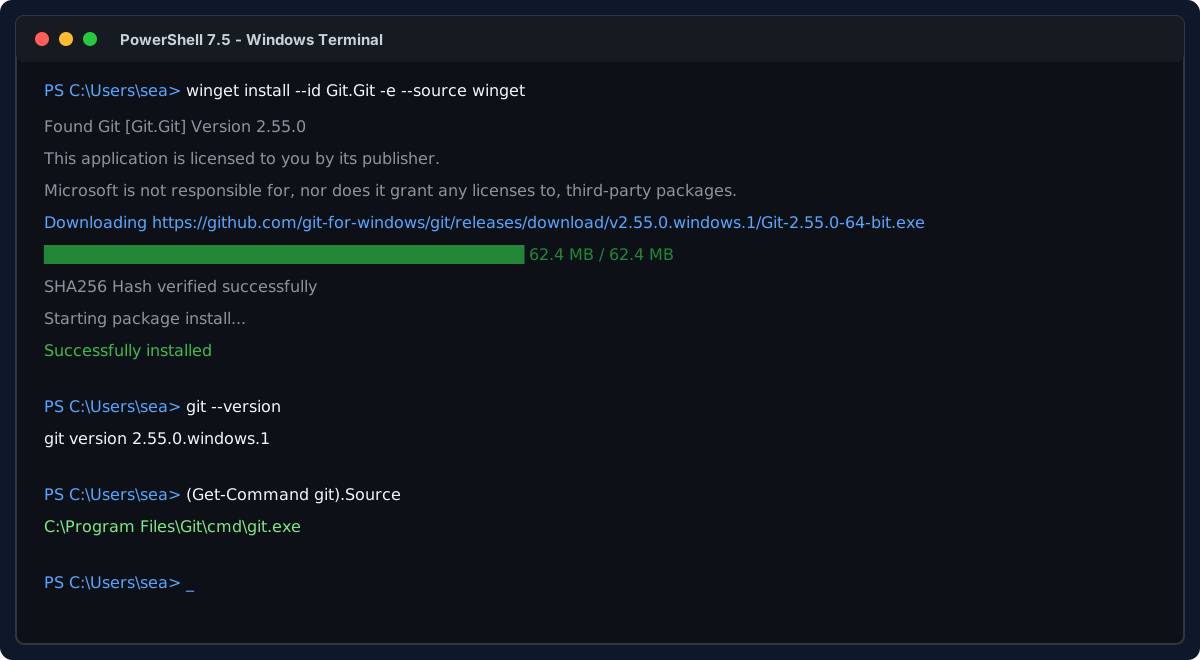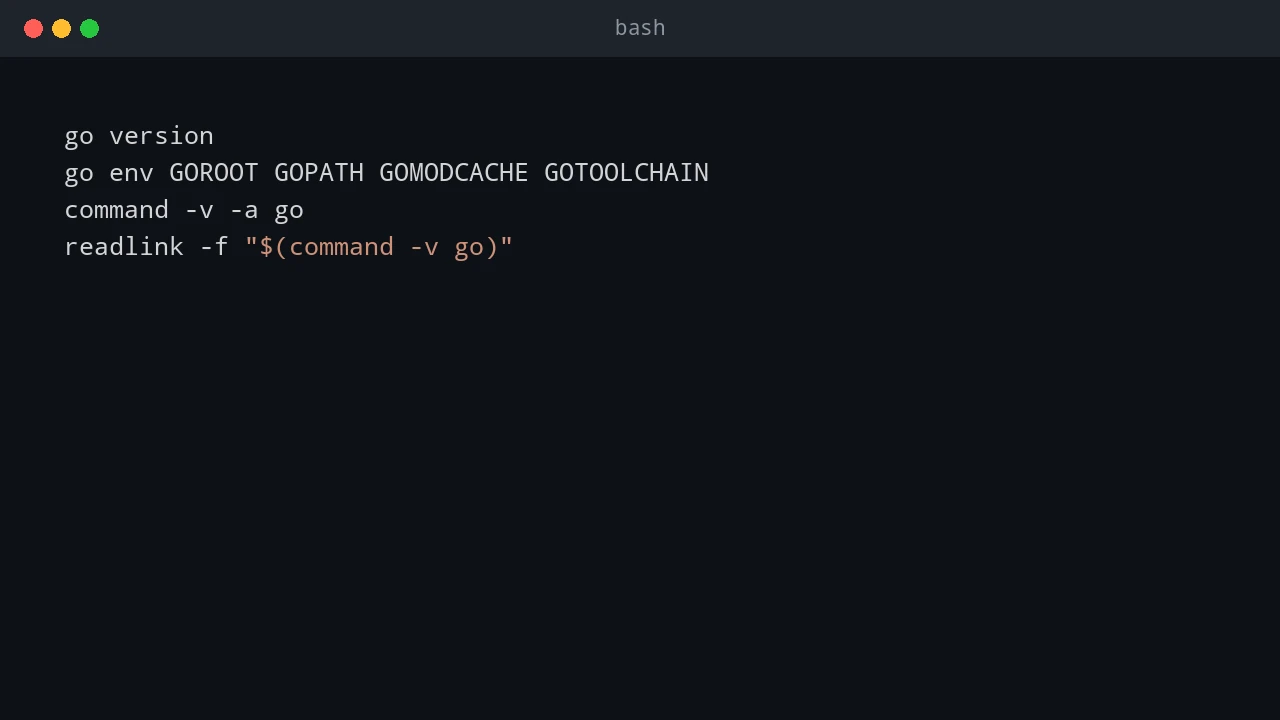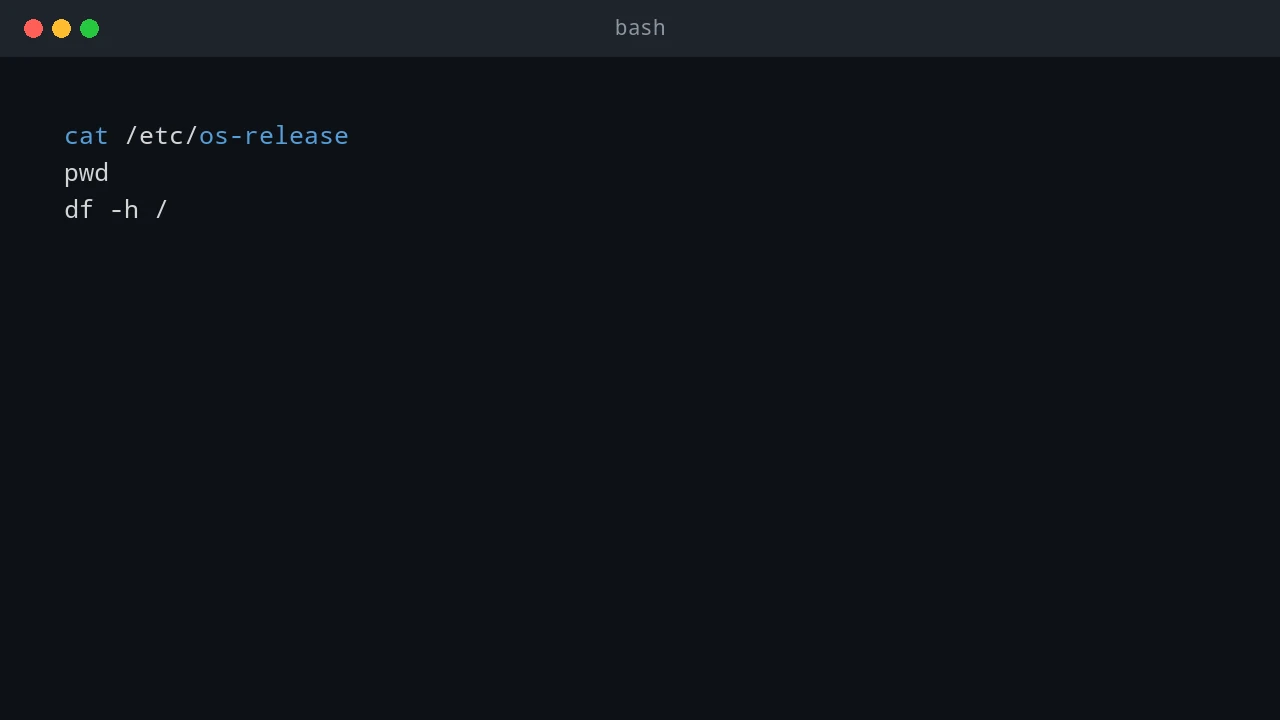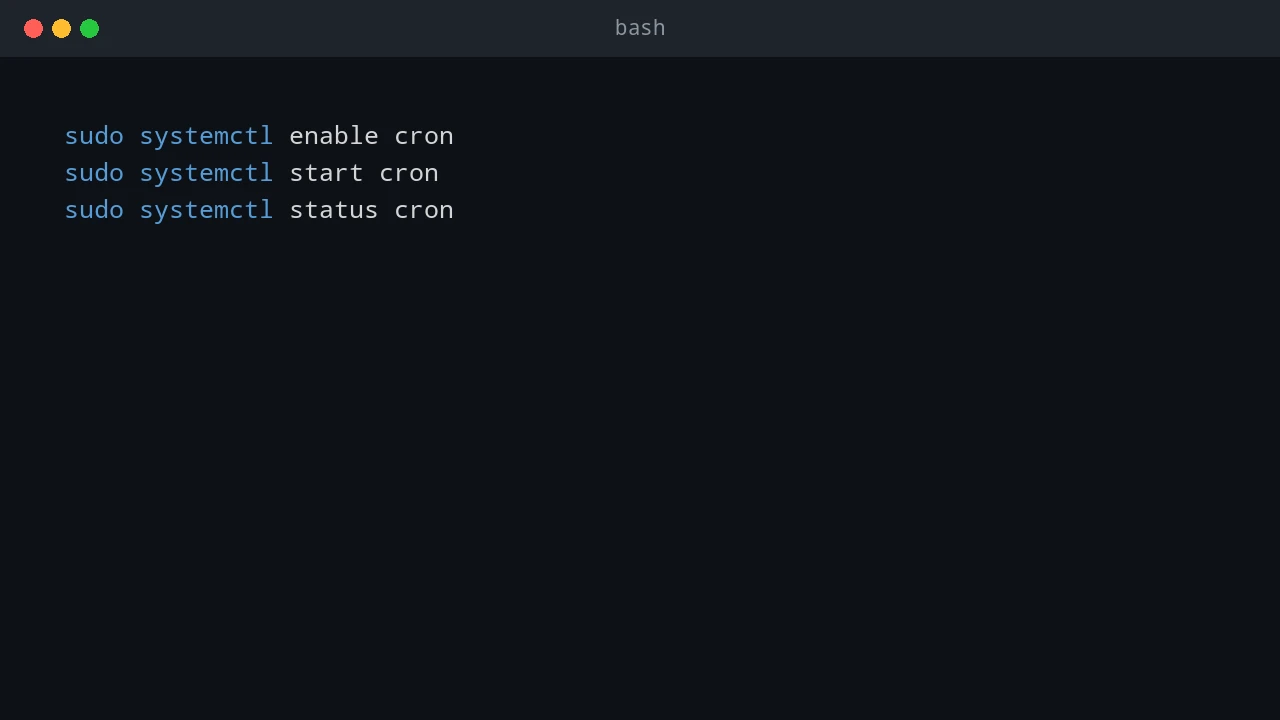
Upgrade WSL from Ubuntu 24.04 to 26.04

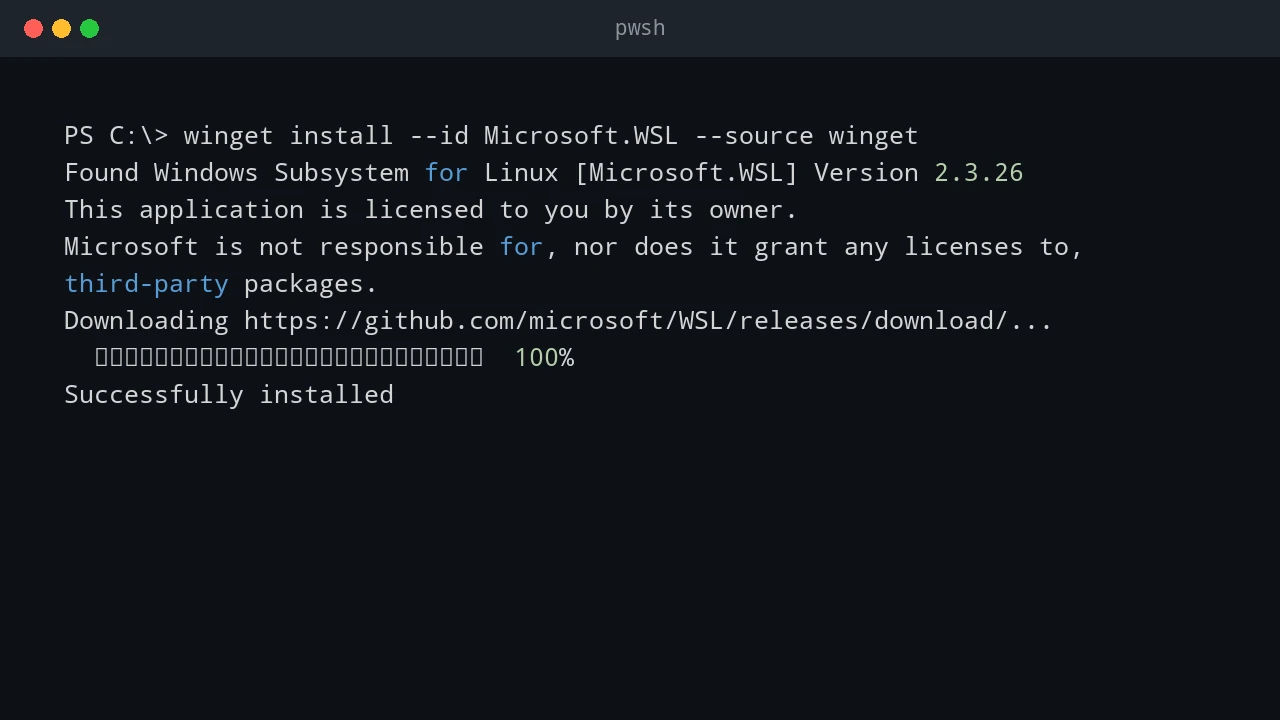
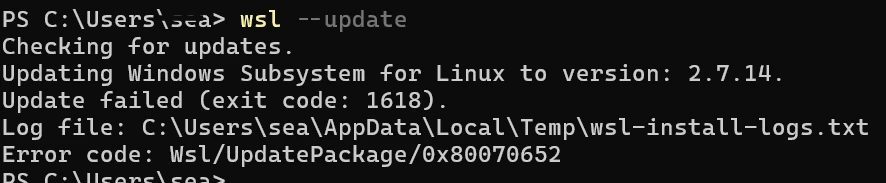
I wanted to move an existing WSL installation from Ubuntu 24.04 to Ubuntu 26.04 without creating a second distro and manually copying everything across. The important requirement was to keep the existing contents: home directories, installed packages, shell configuration, SSH keys, WSL settings, scripts, and project files. The approach in this post is an in-place release upgrade. It runs the Ubuntu release upgrade inside the existing Ubuntu-24.04 WSL instance. It is different from installing a new Ubuntu distro and importing files into it. ...

August 9, 2026 · 11 min · PwshTips

Fix VS Code WSL Server 404

After a VS Code update, I hit a Remote WSL failure even though WSL itself still worked from the command line. The WSL terminal opened normally: wsl But VS Code could not connect to the WSL distro. The Remote WSL log showed a failed download like this: https://update.code.visualstudio.com/commit:<commit-id>/server-linux-x64/insider HTTP request sent, awaiting response... 404 Not Found ERROR: Failed to download https://update.code.visualstudio.com/commit:<commit-id>/server-linux-x64/insider to /home/<user>/.vscode-server-insiders/bin/<commit-id>-<timestamp>.tar.gz The important details are: Log detail Meaning update.code.visualstudio.com VS Code is trying to download its remote server package commit:<commit-id> The server must match the exact VS Code client build server-linux-x64 The server package is for Linux x64 inside WSL insider The VS Code client is using the Insiders update channel .vscode-server-insiders The WSL-side install folder for the Insiders server 404 Not Found That exact server package was not available at the update endpoint This is a VS Code Remote WSL server install problem, not a general WSL failure. ...

June 25, 2026 · 10 min · PwshTips

Run PowerShell from WSL Cron

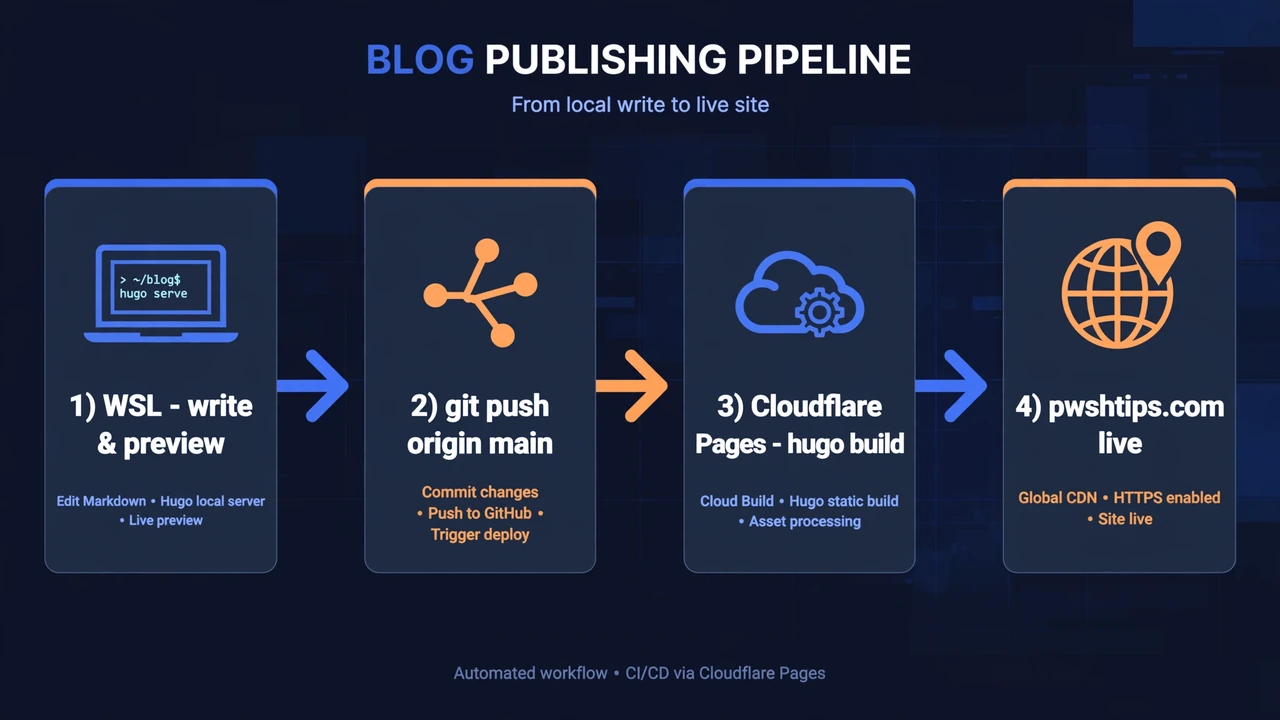
Sometimes the schedule belongs in Linux, but the work belongs everywhere. I hit this pattern when a small Hugo site lived in WSL, supporting scripts lived on the Windows host, and the final deployment needed to touch both sides: copy files, run PowerShell scripts, restart the Hugo development service in WSL, and restart IIS on Windows. Cron can handle the schedule cleanly. PowerShell can handle the orchestration cleanly. The useful trick is to let cron call pwsh.exe or powershell.exe, then let the PowerShell script decide what needs to happen on Windows and what needs to happen inside WSL. ...

June 24, 2026 · 8 min · PwshTips

Use WSL Cron Jobs to Run Windows Scheduled Tasks

WSL is useful when an admin workflow lives between Windows and Linux. Sometimes I want Linux-style scheduling with cron, but the actual work still needs to happen on Windows: start a Windows Scheduled Task, run a PowerShell script, trigger a deployment task, or call a remote Windows server. This pattern is not a replacement for a real job scheduler. It is a practical bridge. WSL cron can keep a Linux-style schedule, and each cron entry can call Windows tools such as powershell.exe, schtasks.exe, or wsl.exe path-aware scripts. ...

June 24, 2026 · 7 min · PwshTips

Advanced Troubleshooting for Windows Environments

These are Windows troubleshooting notes I keep coming back to: SMB errors that block file shares, WSL refusing to start, Windows 11 complaining about TPM in VMware, and disk space disappearing after background downloads. The common thread is simple: start with the error, isolate the layer that is failing, and fix that layer before changing everything around it. Quick answer For Windows troubleshooting, start by proving which layer is broken before changing settings. For SMB share errors, test port 445, credentials, and SMB signing. For WSL crashes, restart WSL, check the distribution state, and confirm virtualization is healthy. For VMware Windows 11 install problems, verify TPM and Secure Boot settings. For disk space issues, find the folder consuming space before deleting files. ...

December 25, 2025 · 10 min · PwshTips

PowerShell for Cross-Platform Administration

Most admin work I do is not purely Windows or purely Linux. PowerShell may call Bash, Bash may call PowerShell, and old CMD commands still show up in scripts. This post covers the patterns I use to pass commands and data between those shells, then applies the same idea to USB access in WSL. Quick answer For cross-platform administration, use PowerShell when you need structured objects and use Bash or CMD when you need native platform tools. When crossing between shells, treat the boundary as a text boundary unless you deliberately serialize data as JSON. In WSL, use Windows paths carefully, pass commands with clear quoting, and confirm disk or USB device names before running commands that read or write block devices. ...

December 25, 2025 · 7 min · PwshTips

Clone a Bootable USB to an ISO

Sometimes I need to keep an exact copy of a bootable USB drive: a vendor recovery stick, a custom Windows installer, or a Linux live USB that took time to prepare. Copying the visible files is not enough because the bootloader and partition layout matter. This post shows three ways to make that image: PowerShell with WSL, Win32DiskImager on Windows, and dd on Linux. Quick answer To back up a bootable USB, create a sector-by-sector image of the whole device instead of copying files from the drive letter. On Windows, identify the USB disk with Get-Disk, then use WSL and dd or a tool such as Win32DiskImager to read the physical disk into an image file. Always confirm the disk number first because choosing the wrong disk can overwrite or expose the wrong device. ...

November 2, 2025 · 6 min · PwshTips