Run PowerShell from WSL Cron

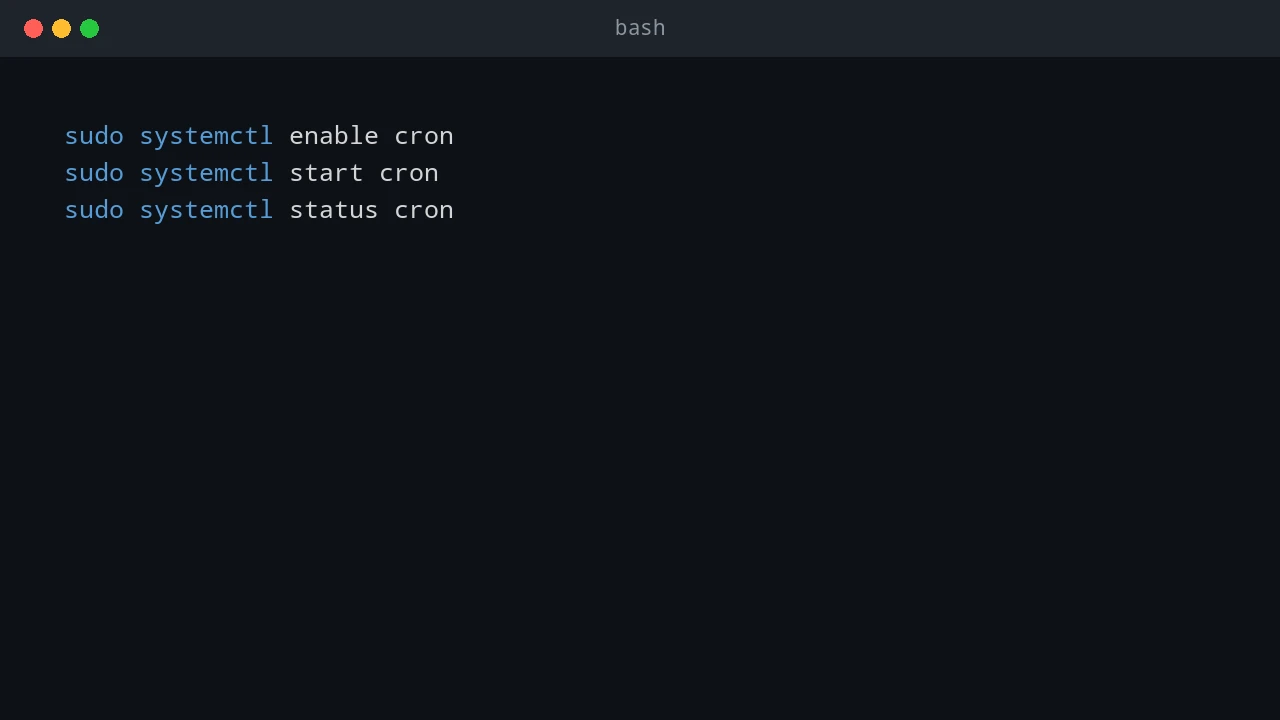
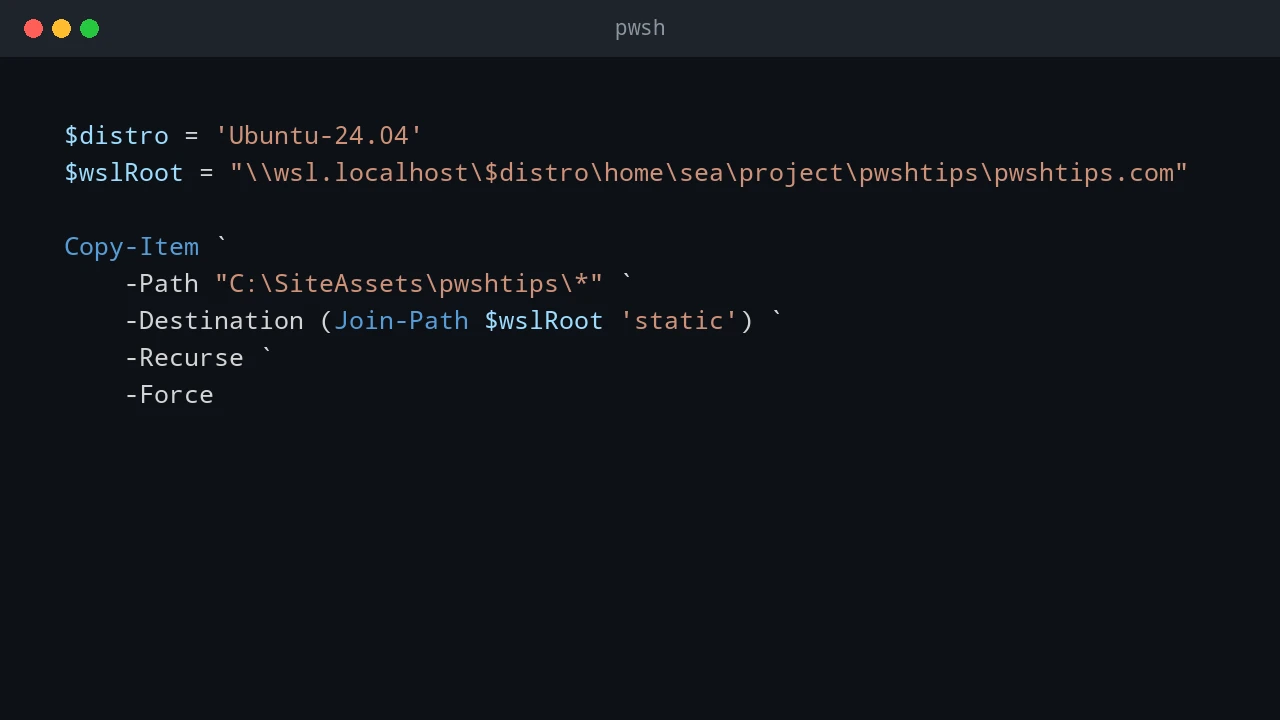
Sometimes the schedule belongs in Linux, but the work belongs everywhere. I hit this pattern when a small Hugo site lived in WSL, supporting scripts lived on the Windows host, and the final deployment needed to touch both sides: copy files, run PowerShell scripts, restart the Hugo development service in WSL, and restart IIS on Windows. Cron can handle the schedule cleanly. PowerShell can handle the orchestration cleanly. The useful trick is to let cron call pwsh.exe or powershell.exe, then let the PowerShell script decide what needs to happen on Windows and what needs to happen inside WSL. ...

June 24, 2026 · 8 min · PwshTips

Use WSL Cron Jobs to Run Windows Scheduled Tasks

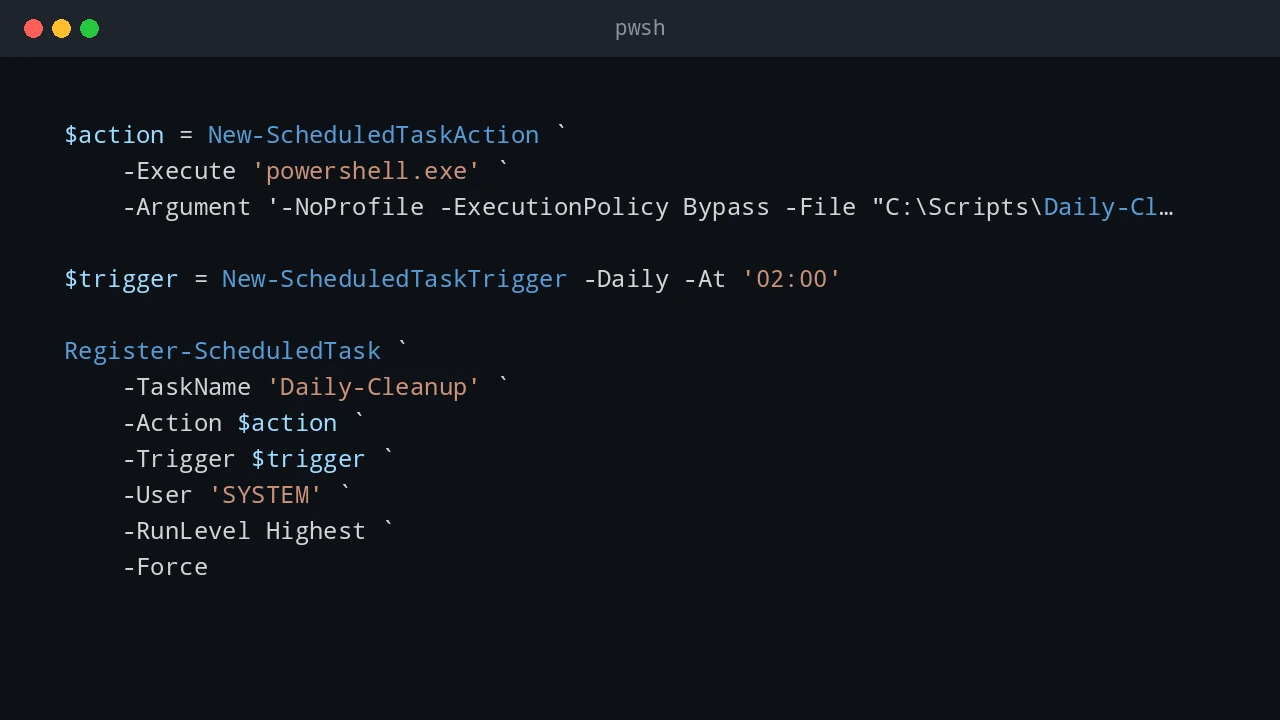
WSL is useful when an admin workflow lives between Windows and Linux. Sometimes I want Linux-style scheduling with cron, but the actual work still needs to happen on Windows: start a Windows Scheduled Task, run a PowerShell script, trigger a deployment task, or call a remote Windows server. This pattern is not a replacement for a real job scheduler. It is a practical bridge. WSL cron can keep a Linux-style schedule, and each cron entry can call Windows tools such as powershell.exe, schtasks.exe, or wsl.exe path-aware scripts. ...

June 24, 2026 · 7 min · PwshTips

Windows Scheduled Tasks vs Linux Cron Jobs

Windows Task Scheduler and Linux cron solve the same basic problem: run something later, or run it again on a schedule. The idea is simple, but the two tools feel very different in daily administration. On Windows, Scheduled Tasks are tied deeply into the operating system. They understand users, triggers, privileges, idle state, battery state, and event-based starts. On Linux, cron is smaller and more direct. A cron job says, “run this command at this time,” and that simplicity is exactly why it has lasted for decades. ...

June 24, 2026 · 8 min · PwshTips