Fix E45 in Vim

Vim is an improved version of the traditional vi editor. It is a popular command-line editor on Linux and Unix systems, and it is also available on Windows. Many administrators use it to edit configuration files directly on a server, often through an SSH session. The first time Vim refuses to save a long configuration file, it can feel like the file is lost. The content is still in Vim’s buffer, but the current user does not have permission to write the file back to disk. The important thing is to stay in Vim and use the buffer to write the file through sudo. ...

August 10, 2026 · 9 min · PwshTips

Manage Hosts by RDCMan and Tabby

I manage two different types of remote computers every week: Windows hosts that I access through Remote Desktop Protocol (RDP), and Linux hosts that I access through Secure Shell (SSH). Instead of putting every connection into one large application, I use two focused tools: Microsoft Sysinternals RDCMan for Windows RDP connections and Tabby for Linux SSH connections. This arrangement keeps the connection type visible. When I need a Windows desktop, I open RDCMan. When I need a Linux shell, I open Tabby. Both applications are lightweight enough to leave available during the day, and both let me organize a growing list of hosts into named groups. ...

August 10, 2026 · 9 min · PwshTips

How to Detect If a Host Is Windows or Linux

When I receive an IP address or hostname, the first question is often whether the remote host is running Windows or Linux. That determines which tools, credentials, ports, and remote-management protocols I should try next. There is no universal detection command that works against every host. A firewall can block ping, WinRM, CIM, and SSH, and a network device can answer in a way that looks like an operating system. The most reliable method is to query an operating-system-specific service after confirming that the host is reachable. ...

August 9, 2026 · 10 min · PwshTips

Upgrade WSL from Ubuntu 24.04 to 26.04

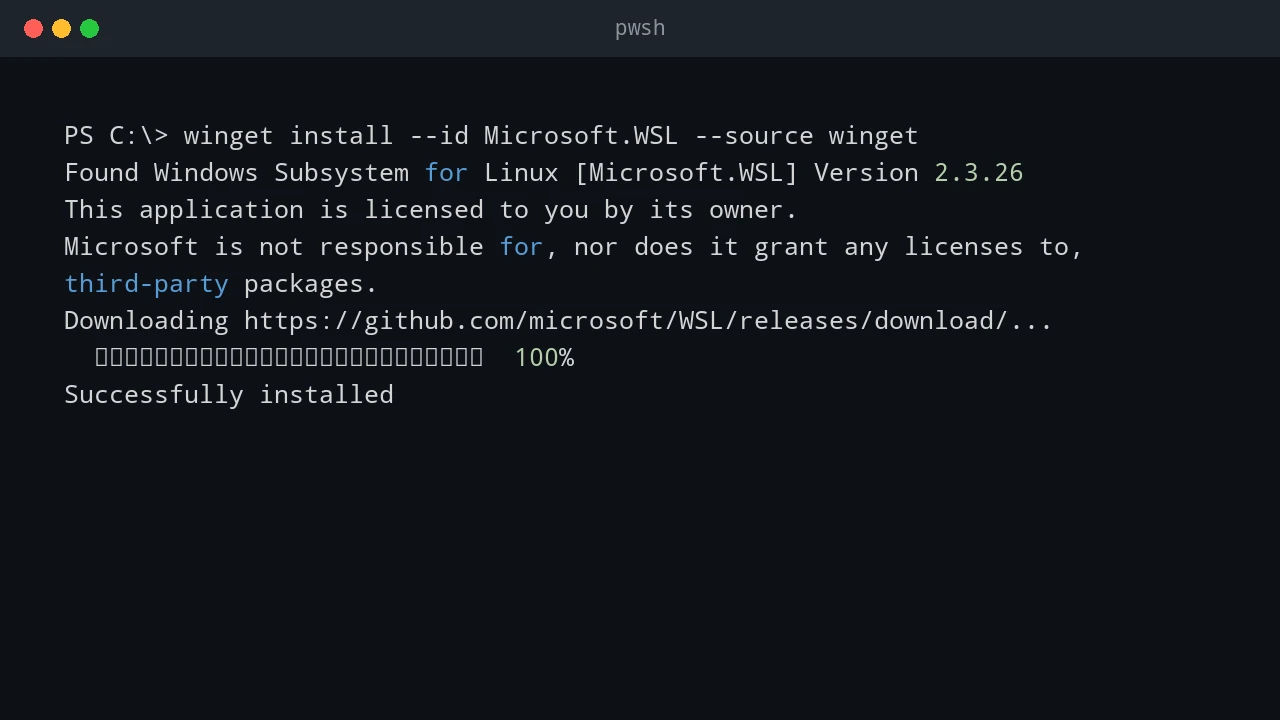
I wanted to move an existing WSL installation from Ubuntu 24.04 to Ubuntu 26.04 without creating a second distro and manually copying everything across. The important requirement was to keep the existing contents: home directories, installed packages, shell configuration, SSH keys, WSL settings, scripts, and project files. The approach in this post is an in-place release upgrade. It runs the Ubuntu release upgrade inside the existing Ubuntu-24.04 WSL instance. It is different from installing a new Ubuntu distro and importing files into it. ...

August 9, 2026 · 11 min · PwshTips

Fix VS Code WSL Server 404

After a VS Code update, I hit a Remote WSL failure even though WSL itself still worked from the command line. The WSL terminal opened normally: wsl But VS Code could not connect to the WSL distro. The Remote WSL log showed a failed download like this: https://update.code.visualstudio.com/commit:<commit-id>/server-linux-x64/insider HTTP request sent, awaiting response... 404 Not Found ERROR: Failed to download https://update.code.visualstudio.com/commit:<commit-id>/server-linux-x64/insider to /home/<user>/.vscode-server-insiders/bin/<commit-id>-<timestamp>.tar.gz The important details are: Log detail Meaning update.code.visualstudio.com VS Code is trying to download its remote server package commit:<commit-id> The server must match the exact VS Code client build server-linux-x64 The server package is for Linux x64 inside WSL insider The VS Code client is using the Insiders update channel .vscode-server-insiders The WSL-side install folder for the Insiders server 404 Not Found That exact server package was not available at the update endpoint This is a VS Code Remote WSL server install problem, not a general WSL failure. ...

June 25, 2026 · 10 min · PwshTips

Run PowerShell from WSL Cron

Sometimes the schedule belongs in Linux, but the work belongs everywhere. I hit this pattern when a small Hugo site lived in WSL, supporting scripts lived on the Windows host, and the final deployment needed to touch both sides: copy files, run PowerShell scripts, restart the Hugo development service in WSL, and restart IIS on Windows. Cron can handle the schedule cleanly. PowerShell can handle the orchestration cleanly. The useful trick is to let cron call pwsh.exe or powershell.exe, then let the PowerShell script decide what needs to happen on Windows and what needs to happen inside WSL. ...

June 24, 2026 · 8 min · PwshTips

Use WSL Cron Jobs to Run Windows Scheduled Tasks

WSL is useful when an admin workflow lives between Windows and Linux. Sometimes I want Linux-style scheduling with cron, but the actual work still needs to happen on Windows: start a Windows Scheduled Task, run a PowerShell script, trigger a deployment task, or call a remote Windows server. This pattern is not a replacement for a real job scheduler. It is a practical bridge. WSL cron can keep a Linux-style schedule, and each cron entry can call Windows tools such as powershell.exe, schtasks.exe, or wsl.exe path-aware scripts. ...

June 24, 2026 · 7 min · PwshTips

Windows Scheduled Tasks vs Linux Cron Jobs

Windows Task Scheduler and Linux cron solve the same basic problem: run something later, or run it again on a schedule. The idea is simple, but the two tools feel very different in daily administration. On Windows, Scheduled Tasks are tied deeply into the operating system. They understand users, triggers, privileges, idle state, battery state, and event-based starts. On Linux, cron is smaller and more direct. A cron job says, “run this command at this time,” and that simplicity is exactly why it has lasted for decades. ...

June 24, 2026 · 8 min · PwshTips

Installing PowerShell Online and Offline

Installing PowerShell is easy on an internet-connected machine. It gets more interesting on servers, locked-down workstations, and networks that cannot reach package repositories. This post covers both cases: normal installs with package managers and offline installs where you need to move installers and modules by hand. Quick answer On connected Windows machines, install PowerShell 7 with winget install Microsoft.PowerShell and keep Windows PowerShell 5.1 for legacy modules. On offline machines, download the PowerShell installer, required modules, and trusted package sources on a connected computer, move them to the target system, then install from local files. Verify the install with $PSVersionTable.PSVersion. ...

December 25, 2025 · 7 min · PwshTips

PowerShell for Cross-Platform Administration

Most admin work I do is not purely Windows or purely Linux. PowerShell may call Bash, Bash may call PowerShell, and old CMD commands still show up in scripts. This post covers the patterns I use to pass commands and data between those shells, then applies the same idea to USB access in WSL. Quick answer For cross-platform administration, use PowerShell when you need structured objects and use Bash or CMD when you need native platform tools. When crossing between shells, treat the boundary as a text boundary unless you deliberately serialize data as JSON. In WSL, use Windows paths carefully, pass commands with clear quoting, and confirm disk or USB device names before running commands that read or write block devices. ...

December 25, 2025 · 7 min · PwshTips