Fix Error 4294967295 on Microsoft 365

I encountered error 4294967295 when installing Microsoft 365 with winget. The installer downloaded successfully and its hash was verified, but the Microsoft Office Click-to-Run installer failed when the package installation started. This error is confusing because winget appears to work correctly until the final installer step. The package is found, the download completes, and the installer is verified. The failure comes from the Office installer or an existing Office installation rather than from the basic winget search operation. ...

August 11, 2026 · 7 min · PwshTips

Fix Failed Code 1618

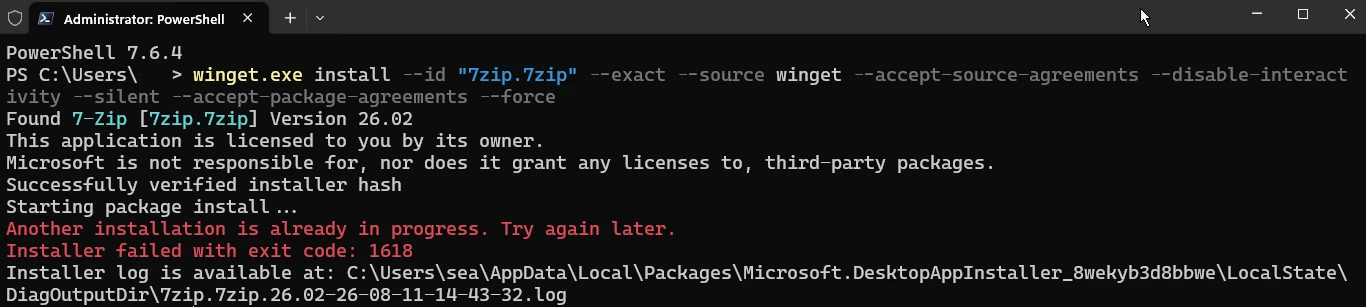
I received error 1618 when installing 7-Zip with winget. The package was found, the installer hash was verified, and the installation started, but Windows reported that another installation was already in progress. This error is normally related to Windows Installer, also known as MSI. Windows Installer allows only one MSI installation transaction at a time. If another operation is running, waiting for input, or stuck after an earlier failure, a second package installation returns error 1618. ...

August 11, 2026 · 7 min · PwshTips

Fix E45 in Vim

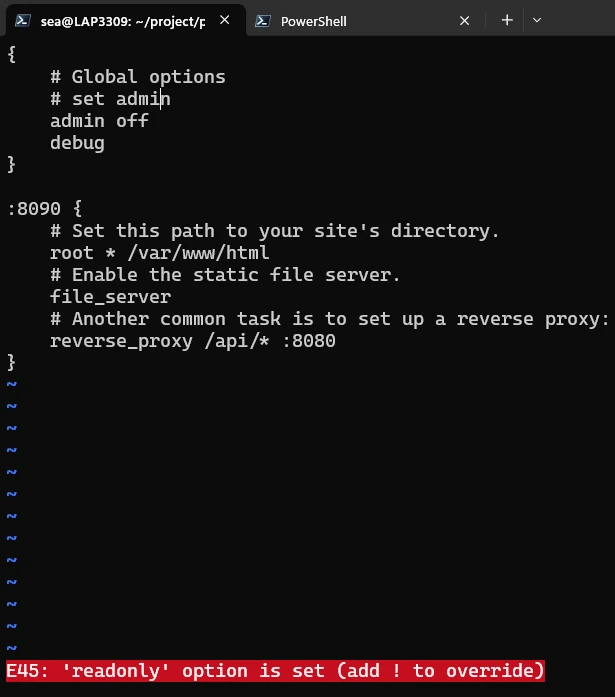
Vim is an improved version of the traditional vi editor. It is a popular command-line editor on Linux and Unix systems, and it is also available on Windows. Many administrators use it to edit configuration files directly on a server, often through an SSH session. The first time Vim refuses to save a long configuration file, it can feel like the file is lost. The content is still in Vim’s buffer, but the current user does not have permission to write the file back to disk. The important thing is to stay in Vim and use the buffer to write the file through sudo. ...

August 10, 2026 · 9 min · PwshTips

How to Detect If a Host Is Windows or Linux

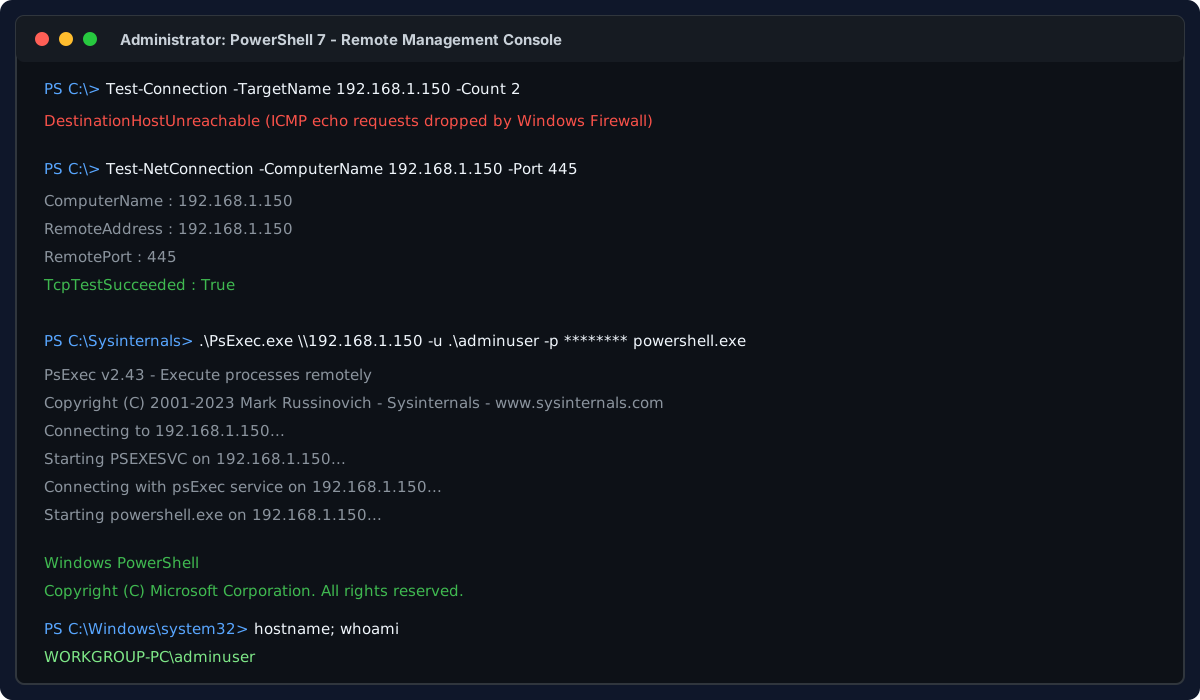
When I receive an IP address or hostname, the first question is often whether the remote host is running Windows or Linux. That determines which tools, credentials, ports, and remote-management protocols I should try next. There is no universal detection command that works against every host. A firewall can block ping, WinRM, CIM, and SSH, and a network device can answer in a way that looks like an operating system. The most reliable method is to query an operating-system-specific service after confirming that the host is reachable. ...

August 9, 2026 · 10 min · PwshTips

PowerShell Is Denied in Tabby

I installed the PowerShell Preview version on Windows, installed Tabby, and opened a new Tabby terminal. The terminal itself started normally, but running pwsh failed immediately. The error looked like this: Program 'pwsh.exe' failed to run: Access is denied At line:1 char:1 + pwsh + ~~~~ + CategoryInfo : ResourceUnavailable: (:) [], ApplicationFailedException + FullyQualifiedErrorId : NativeCommandFailed This was confusing because PowerShell Preview had already been installed and pwsh worked outside Tabby. The fix was to remove the Preview package and its remaining AppX package, install the stable PowerShell package, remove Tabby, reboot Windows, and verify which pwsh.exe Windows resolved. ...

August 9, 2026 · 8 min · PwshTips

Upgrade WSL from Ubuntu 24.04 to 26.04

I wanted to move an existing WSL installation from Ubuntu 24.04 to Ubuntu 26.04 without creating a second distro and manually copying everything across. The important requirement was to keep the existing contents: home directories, installed packages, shell configuration, SSH keys, WSL settings, scripts, and project files. The approach in this post is an in-place release upgrade. It runs the Ubuntu release upgrade inside the existing Ubuntu-24.04 WSL instance. It is different from installing a new Ubuntu distro and importing files into it. ...

August 9, 2026 · 11 min · PwshTips

Fix VS Code WSL Server 404

After a VS Code update, I hit a Remote WSL failure even though WSL itself still worked from the command line. The WSL terminal opened normally: wsl But VS Code could not connect to the WSL distro. The Remote WSL log showed a failed download like this: https://update.code.visualstudio.com/commit:<commit-id>/server-linux-x64/insider HTTP request sent, awaiting response... 404 Not Found ERROR: Failed to download https://update.code.visualstudio.com/commit:<commit-id>/server-linux-x64/insider to /home/<user>/.vscode-server-insiders/bin/<commit-id>-<timestamp>.tar.gz The important details are: Log detail Meaning update.code.visualstudio.com VS Code is trying to download its remote server package commit:<commit-id> The server must match the exact VS Code client build server-linux-x64 The server package is for Linux x64 inside WSL insider The VS Code client is using the Insiders update channel .vscode-server-insiders The WSL-side install folder for the Insiders server 404 Not Found That exact server package was not available at the update endpoint This is a VS Code Remote WSL server install problem, not a general WSL failure. ...

June 25, 2026 · 10 min · PwshTips

Fix Task Scheduler Error 2147750687

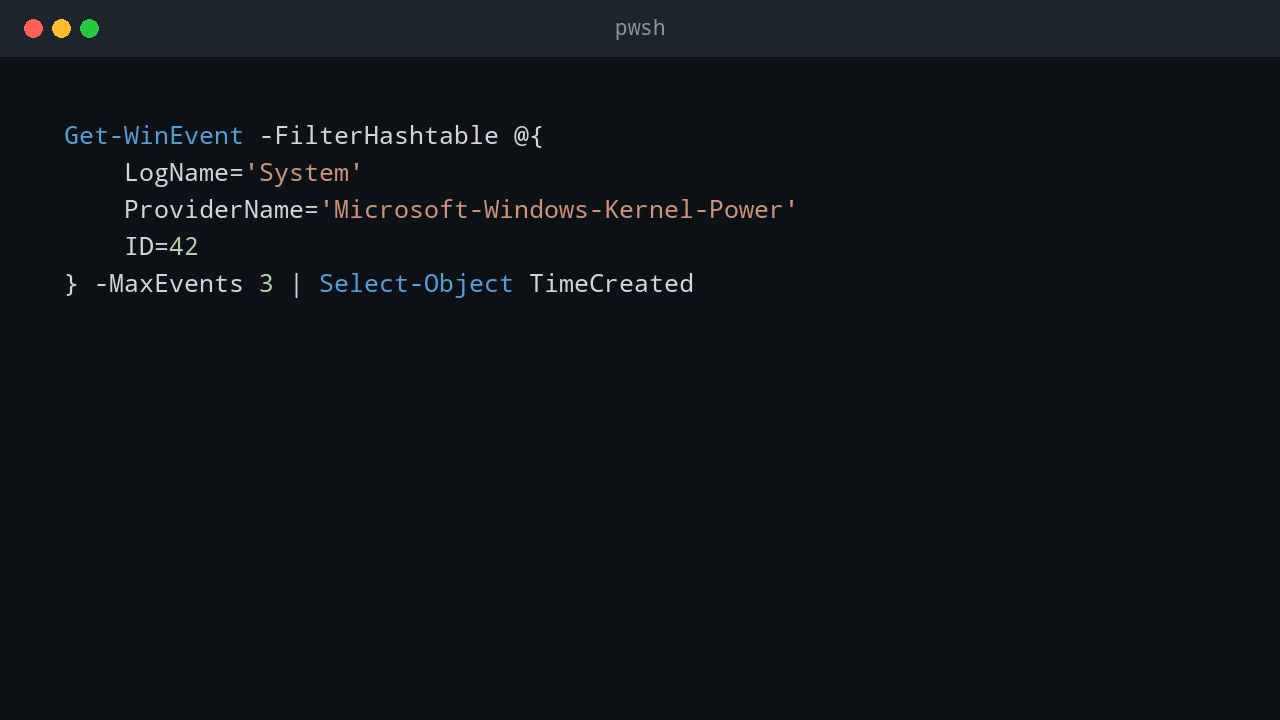
I recently had a Windows Scheduled Task fail with this kind of event in the Task Scheduler Operational log: Task Scheduler failed to start "\Folder\Example_Task" task for user "NT AUTHORITY\SYSTEM". Additional Data: Error Value: 2147750687. The important parts are the event source, the event ID, and the error value: Field Value Log Microsoft-Windows-TaskScheduler/Operational Event ID 101 Level Error OpCode Launch Failure Error Value 2147750687 Hex value 0x8004131F In plain English, this usually means Task Scheduler tried to start the task, but another instance of the same task was still running. The task did not fail because PowerShell could not start, and it did not necessarily fail because the account was wrong. It failed before the new run started because Task Scheduler blocked a second instance. ...

June 24, 2026 · 12 min · PwshTips

Advanced Troubleshooting for Windows Environments

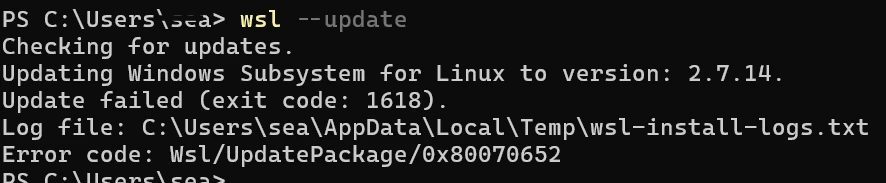
These are Windows troubleshooting notes I keep coming back to: SMB errors that block file shares, WSL refusing to start, Windows 11 complaining about TPM in VMware, and disk space disappearing after background downloads. The common thread is simple: start with the error, isolate the layer that is failing, and fix that layer before changing everything around it. Quick answer For Windows troubleshooting, start by proving which layer is broken before changing settings. For SMB share errors, test port 445, credentials, and SMB signing. For WSL crashes, restart WSL, check the distribution state, and confirm virtualization is healthy. For VMware Windows 11 install problems, verify TPM and Secure Boot settings. For disk space issues, find the folder consuming space before deleting files. ...

December 25, 2025 · 10 min · PwshTips

Automating Office and Active Directory with PowerShell

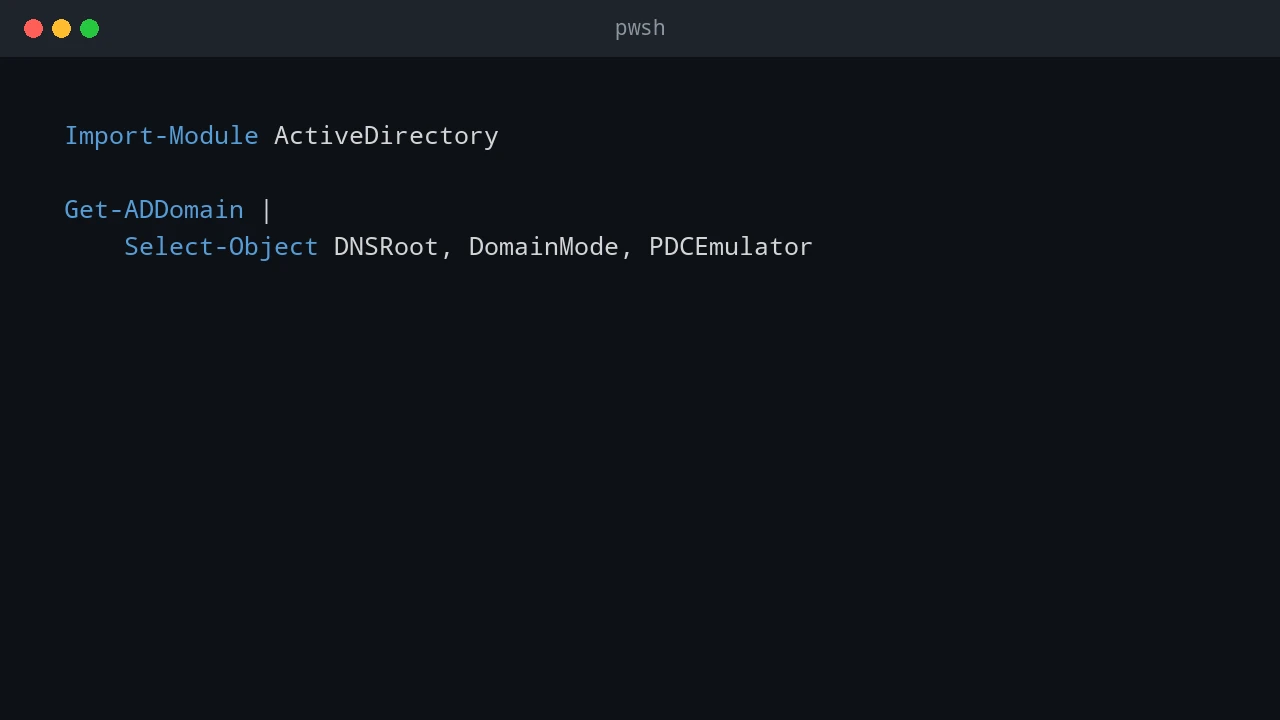
Office deployment and Active Directory maintenance often land on the same admin desk. This post collects the PowerShell workflows I use for silent Office installs, Office activation firewall rules, Get-ADUser reporting, and domain rejoin cleanup when a Windows device has stale identity state. Quick answer Use PowerShell to make Office and Active Directory work repeatable: deploy Office with the Office Deployment Tool and a checked configuration.xml, open only the firewall rules needed for activation, export AD user data with Get-ADUser, and fix stale device identity by checking domain join, Azure AD join, and dsregcmd output before rejoining the computer. ...

December 25, 2025 · 7 min · PwshTips