Upgrade WSL Ubuntu In-Place Without Losing Data
How to upgrade an existing Ubuntu-24.04 WSL instance to Ubuntu 26.04 in place while keeping its files, packages, configuration, and project data.
How to upgrade an existing Ubuntu-24.04 WSL instance to Ubuntu 26.04 in place while keeping its files, packages, configuration, and project data.
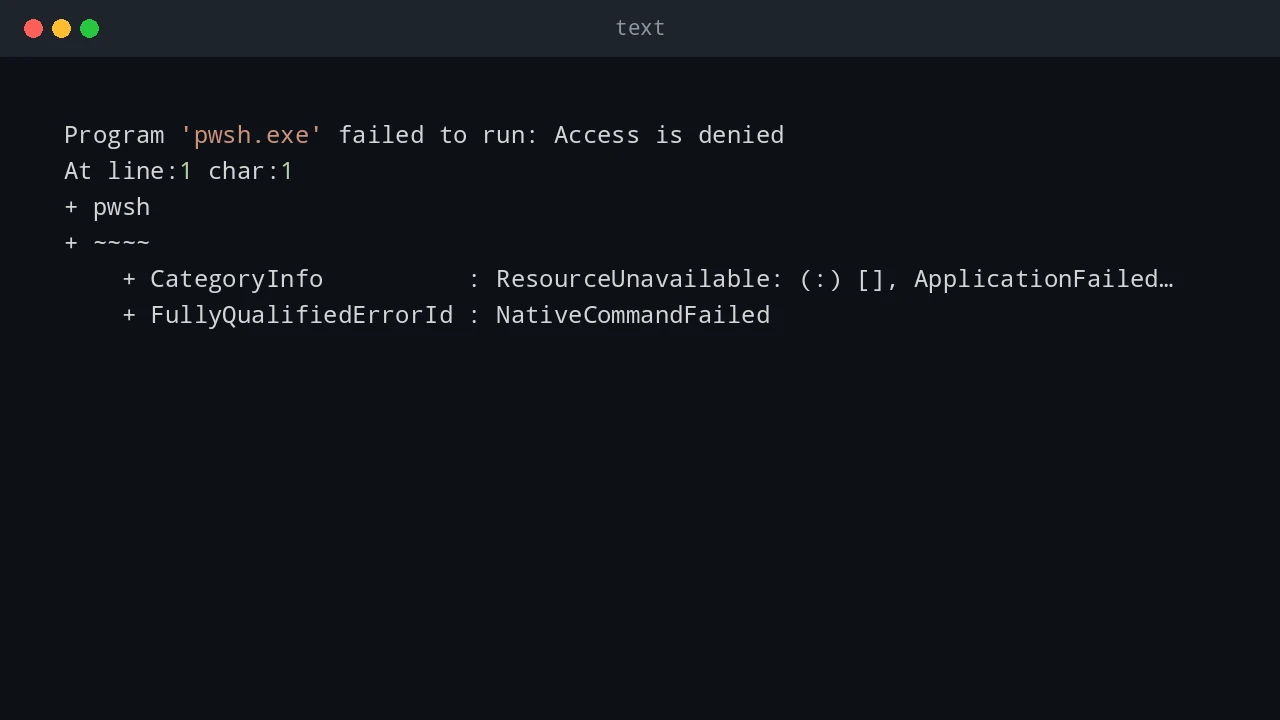
How I fixed pwsh.exe returning Access is denied inside the Tabby terminal after installing PowerShell Preview on Windows.
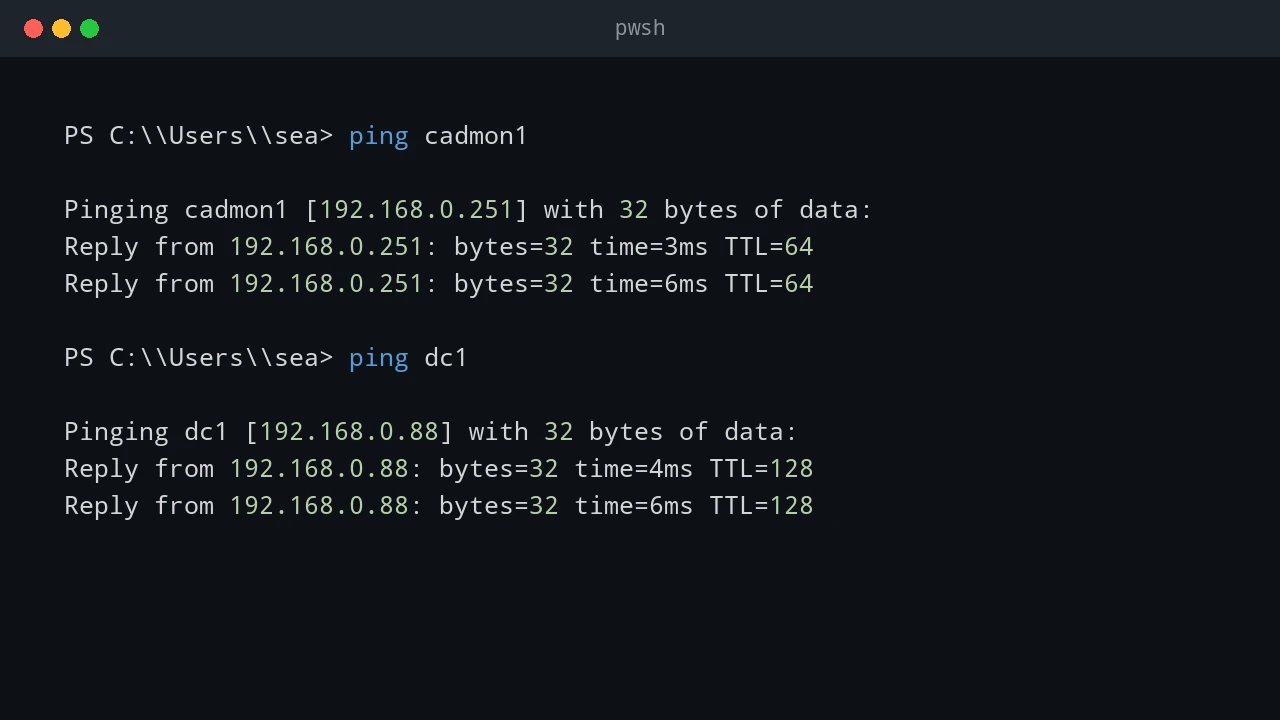
Use ping, PowerShell, Windows built-in tools, WinRM, CIM, and SSH to determine whether a remote host is running Windows or Linux.
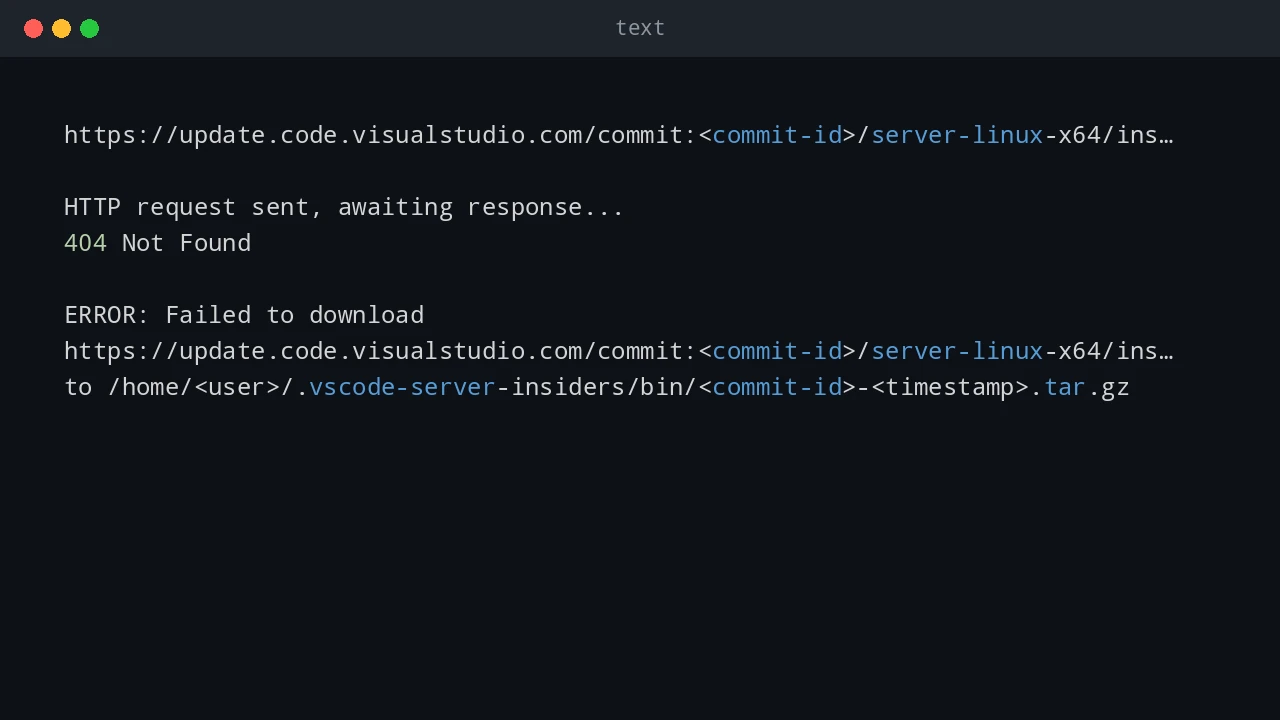
How to fix VS Code Remote WSL failing to download the VS Code Server with HTTP 404 after an update, and why WSL can still work from the command line.
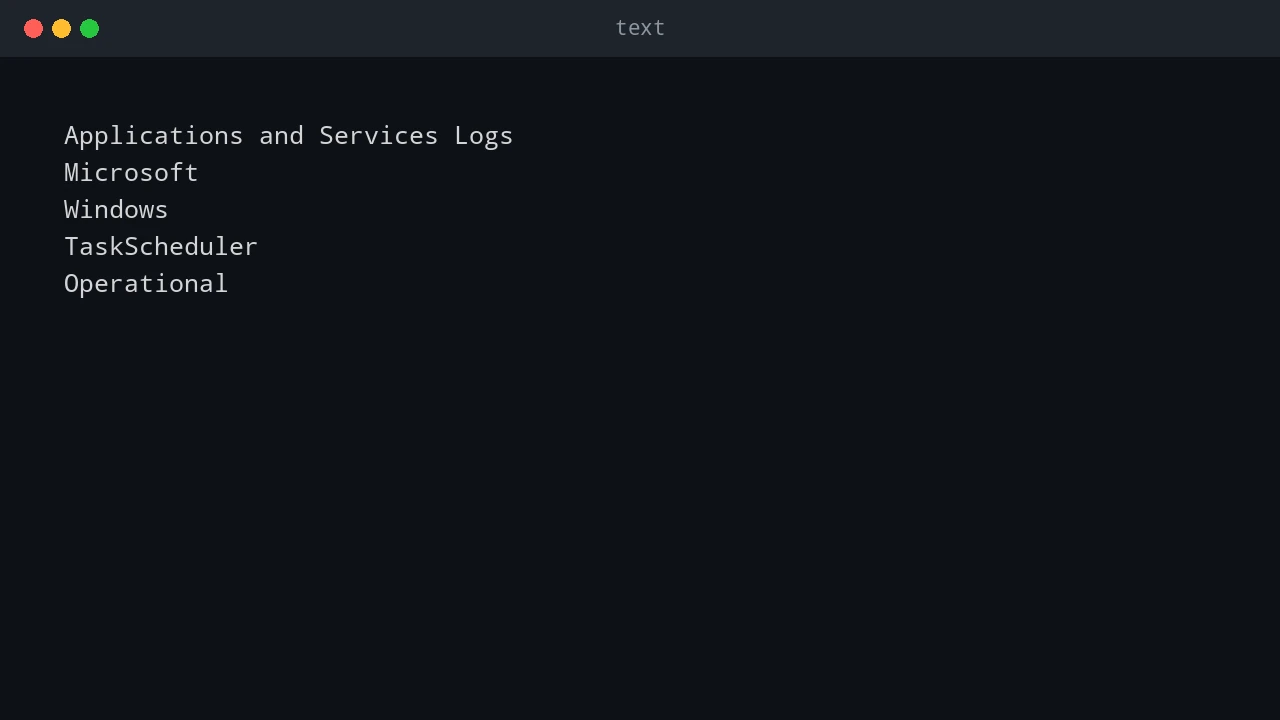
How to troubleshoot Windows Task Scheduler Event ID 101 with error value 2147750687, why it usually means another instance is already running, and how to fix overlapping or stuck scheduled tasks.
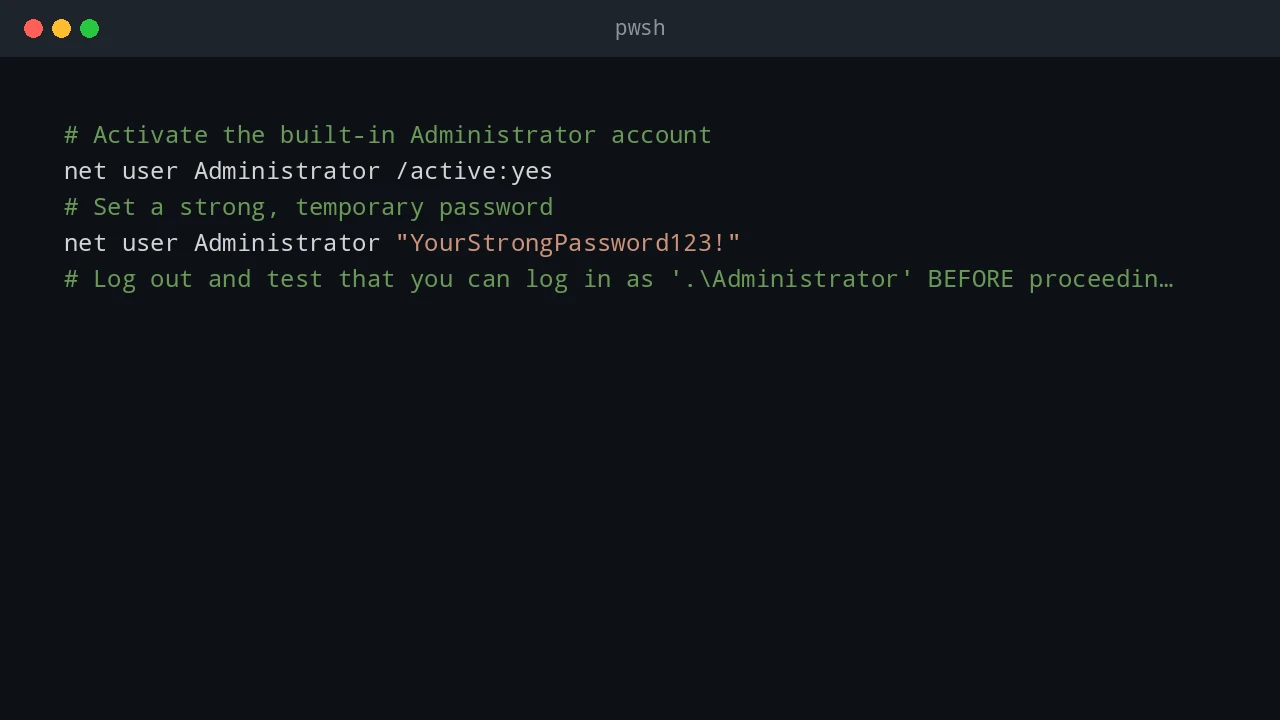
PowerShell notes for Office deployment, Office activation firewall rules, Get-ADUser queries, and domain rejoin troubleshooting.
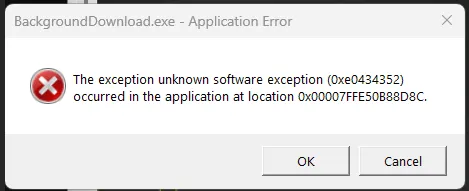
Troubleshooting notes for Windows network share errors, WSL crashes, VMware TPM checks, and disk space problems.
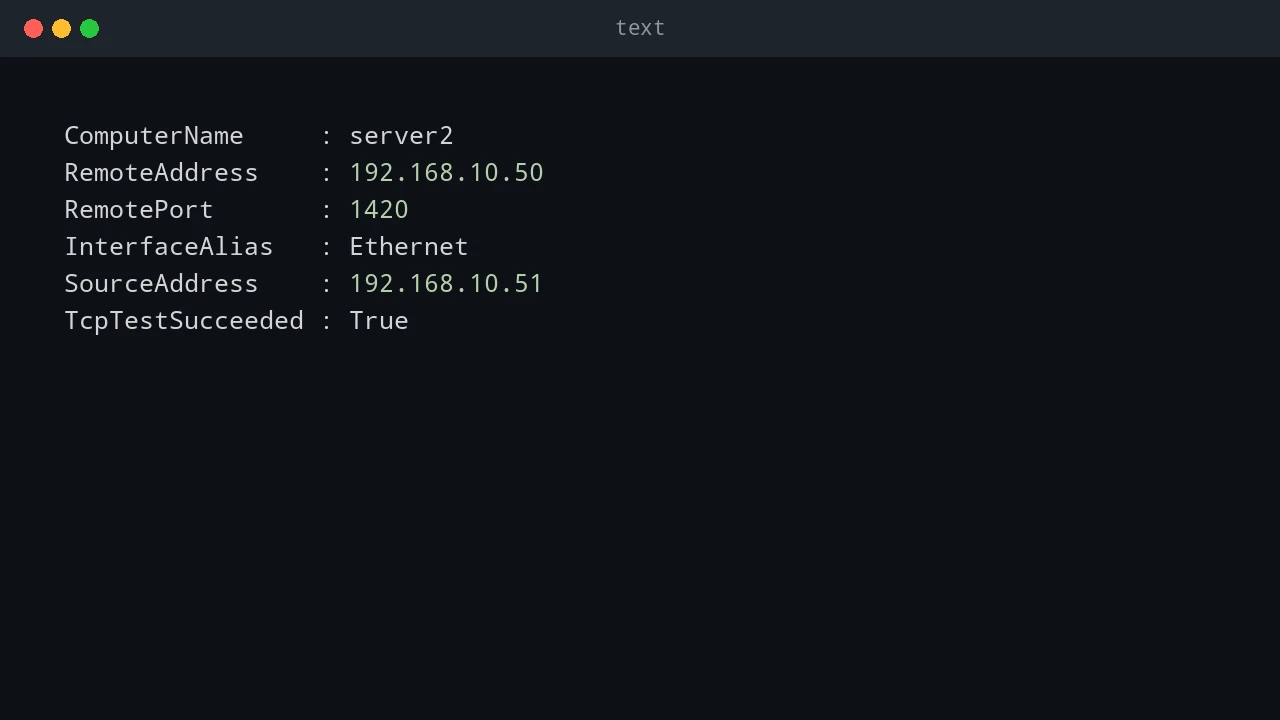
How to check whether a TCP port is open, blocked, or unreachable using PowerShell, Telnet, and PortQry.