PowerShell Logging Patterns for Production Scripts

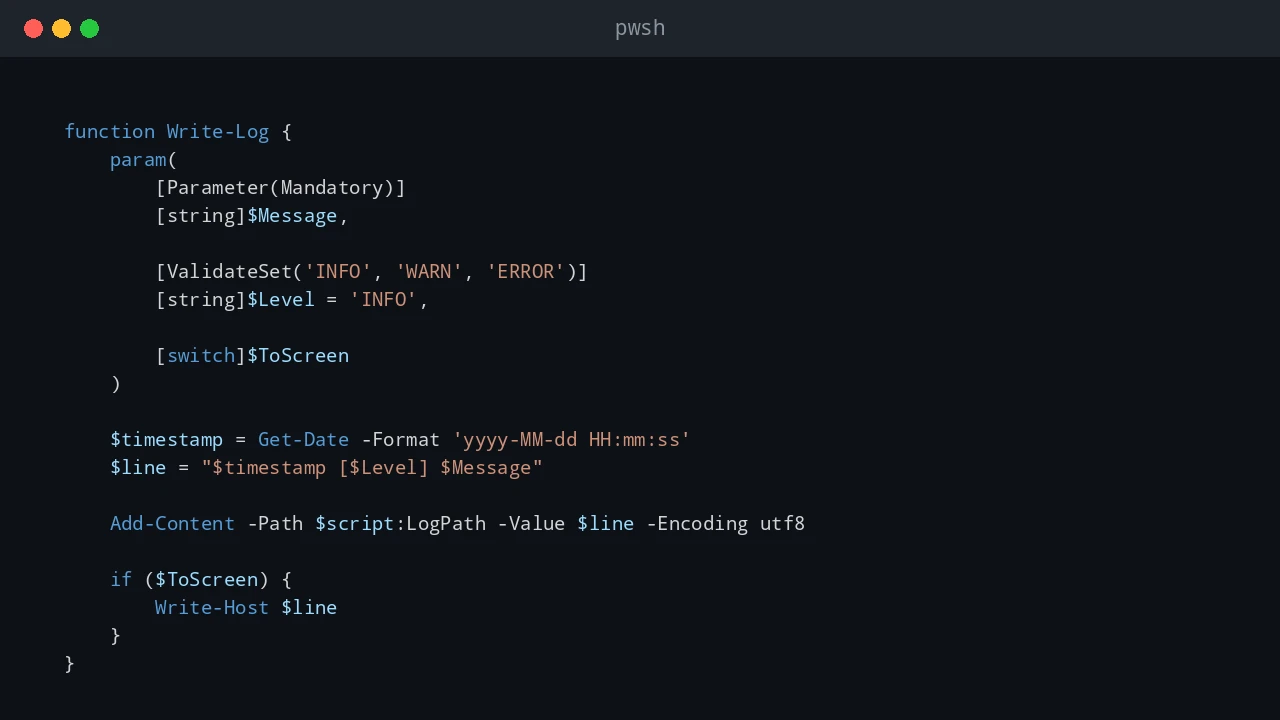
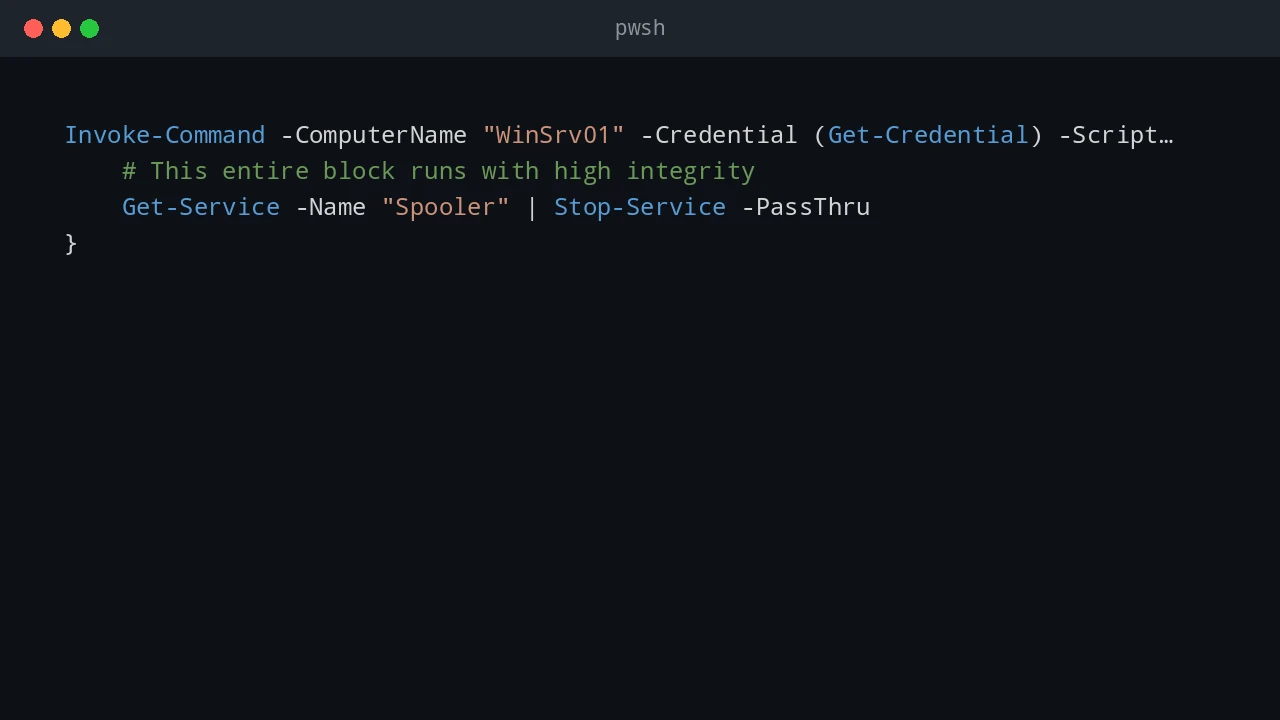
Logging is one of those parts of a PowerShell script that feels optional until the first production failure happens at 2 AM. When a script is run manually, you can watch the console and fix problems as they appear. When the same script runs from Task Scheduler, a deployment tool, a service account, or a remote session, the console is gone. The log becomes the only witness. For small one-off scripts, Write-Host might be enough. For production scripts, I want a log that answers a few basic questions quickly: ...

June 21, 2026 · 10 min · PwshTips

PowerShell for IT Inventory: Getting All Installed Apps from Remote Windows PCs

Software inventory is one of those jobs that sounds simple until you need to do it across many Windows machines. For audits, license checks, cleanup work, or troubleshooting, I want a repeatable way to answer one question: what is installed, and where? This post uses PowerShell to build that report. The workflow is: get a target computer list from DNS, connect to each machine, read installed-app registry keys, and export the result to CSV. ...

December 25, 2025 · 15 min · PwshTips

PowerShell Remoting with WinRM and SSH

For a long time, PowerShell remoting usually meant WinRM. That is still true in many Windows domains. With PowerShell 7 and OpenSSH, SSH is now a practical option too, especially when Linux or mixed environments are involved. So, which protocol should you use? WinRM or SSH? There is no single best protocol. The right choice depends on the machines, authentication model, firewall rules, and whether you need rich PowerShell objects or simple cross-platform access. ...

December 14, 2025 · 6 min · PwshTips

Manage Pinned Taskbar Items with PowerShell

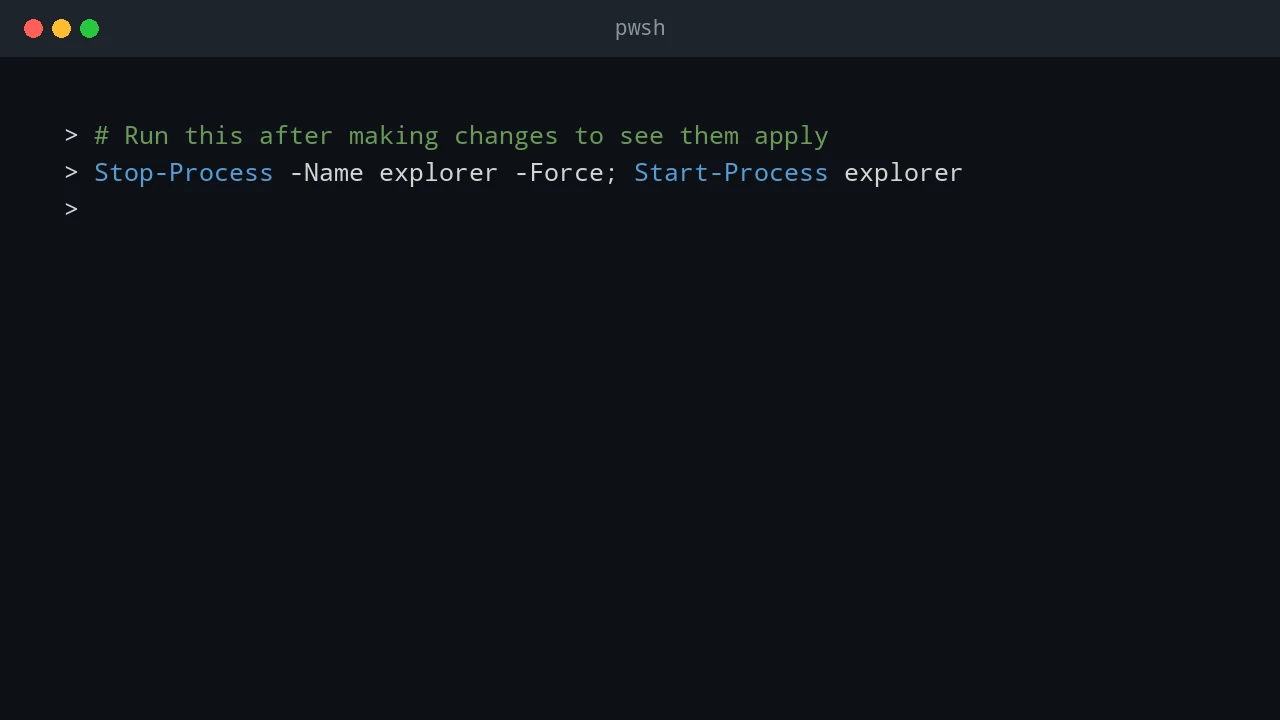
Standardizing the Windows taskbar sounds like a small desktop task, but it gets awkward fast when you need to automate it. Windows does not provide a clean built-in command for managing pinned items, partly to stop applications from pinning themselves without user consent. The methods below are the ones I use when I need to inspect or clean up pinned taskbar items with PowerShell. Quick answer Windows stores user-pinned taskbar shortcuts under the user’s profile, but it does not provide a clean supported cmdlet for fully managing pins. With PowerShell, you can list pinned .lnk files from the TaskBar folder and remove unwanted shortcuts. After changes, restart Explorer for the taskbar to refresh. Test this per Windows version because taskbar behavior changes across releases. ...

October 28, 2025 · 8 min · PwshTips